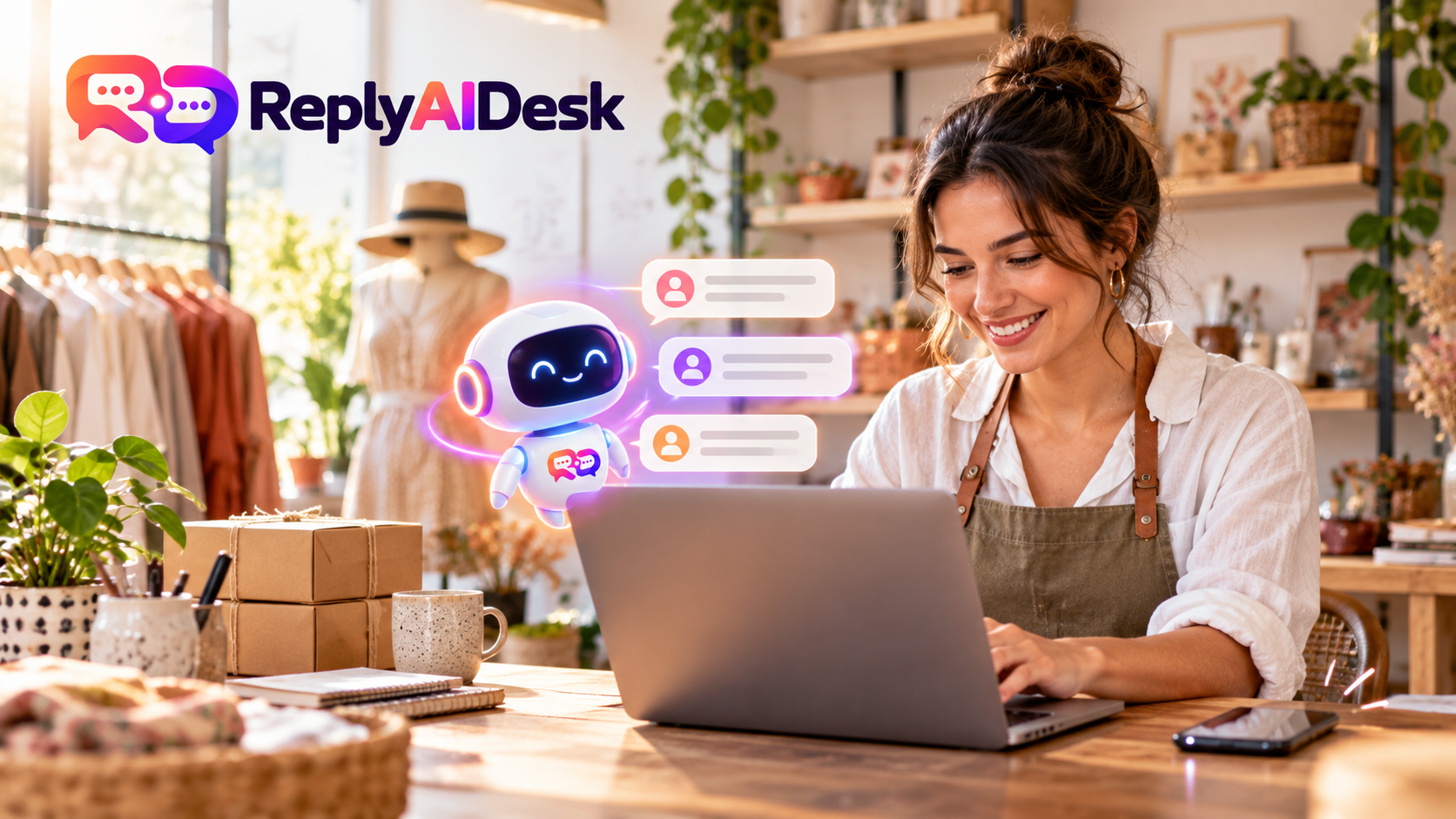
Small businesses are expected to answer customers quickly, but most do not have a support team available around the clock. A visitor may arrive during lunch, late at night or while everyone is busy serving existing customers.
If that visitor cannot find an answer, they may leave without making contact.
An AI website assistant can help by answering common questions, guiding visitors and capturing enquiries when a person is unavailable. The important part is choosing a chatbot that represents your business accurately—not one that invents answers or frustrates customers.
This guide explains how AI website chatbots work, what they can realistically do and how to decide whether your business needs one.
What is an AI chatbot for small business?
An AI chatbot is a website assistant that communicates with visitors through a chat window.
IBM describes a chatbot as software that simulates human conversation, often using artificial intelligence and natural language processing.
Unlike a traditional chatbot that follows a fixed menu, an AI chatbot can understand questions written in everyday language. A customer does not have to choose the exact button or phrase programmed into the system.
For example, these questions may all mean the same thing:
- “When are you open?”
- “What time do you close today?”
- “Are you open on Saturday?”
- “Can I visit after work?”
A properly trained AI assistant can understand the visitor’s intention and answer using information approved by the business.
The chatbot can also collect the visitor’s contact details, record their question and transfer the conversation to a human when necessary.
How does an AI website chatbot work?
A business provides the assistant with approved information, such as:
- Opening hours
- Services
- Product information
- Delivery details
- Frequently asked questions
- Return and cancellation policies
- Pricing guidance
- Contact information
When a visitor asks a question, the assistant searches this knowledge and identifies the most relevant answer. You can see how ReplyAIDesk works to understand this flow from approved knowledge to human handover.
A responsible AI chatbot should follow a simple process:
- Understand what the visitor is asking.
- Search the business’s approved knowledge.
- Answer when reliable information is available.
- Avoid guessing when the answer is not available.
- Capture an enquiry or involve a human when needed.
This is different from giving an unrestricted AI model permission to answer anything. A business assistant needs clear boundaries.
What can an AI chatbot do for a small business?
Answer common questions instantly
Many businesses receive the same questions repeatedly:
- What are your opening hours?
- Where are you located?
- How much does the service cost?
- Do you deliver to my area?
- How can I make an appointment?
- What is your refund policy?
An AI assistant can answer these routine questions immediately. This gives the visitor useful information while reducing repetitive work for the team.
Capture enquiries after business hours
Not every question can be answered automatically.
When information is unavailable, the chatbot can ask for the visitor’s:
- Name
- Email address
- Telephone number
- Company
- Question or requirement
- Preferred contact method
The enquiry can then be stored for the team to review later.
This is often more useful than showing a generic “We are offline” message.
Qualify potential customers
A chatbot can collect useful details before a team member contacts the visitor.
For example, a service business might ask:
- Which service are you interested in?
- Where are you located?
- When do you need the service?
- What is your estimated budget?
- Is this request urgent?
This helps the business understand the opportunity and prepare a more relevant response.
Support customers consistently
Customers should receive the same approved information regardless of when they ask.
A central knowledge base helps keep answers consistent. When a policy, price or opening hour changes, the business updates the information in one place.
Transfer conversations to a person
AI should not handle every situation.
A human should take over when:
- The visitor specifically asks for a person.
- The question involves a complaint or sensitive issue.
- The assistant cannot find an approved answer.
- The visitor has a complex or unusual requirement.
- The conversation requires judgement or negotiation.
The handover should include the conversation history so the visitor does not need to repeat everything.
AI chatbot vs live chat
AI chat and live chat solve different problems.
Live chat connects the visitor directly with a team member. It is excellent for complicated conversations but depends on someone being available.
An AI chatbot can respond immediately and handle common questions, but it should not replace human judgement.
| Feature | AI chatbot | Live chat |
|---|---|---|
| Immediate availability | Yes | Only when staff are online |
| Routine questions | Strong | Strong but uses staff time |
| Complex situations | Limited | Strong |
| Consistency | Uses approved knowledge | Depends on the team member |
| Human judgement | No | Yes |
| Enquiry capture | Yes | Yes |
| Operating cost | Usually predictable | Depends on staffing |
For many small businesses, the most practical solution is to use both.
Let the AI assistant handle common questions first, then transfer the conversation when a person is needed.
What are the benefits?
Faster responses
Visitors receive help without waiting for an email reply or the next working day.
Fewer repetitive questions
The team spends less time answering basic questions and more time helping customers with genuine needs.
More captured opportunities
Visitors can leave their details while their interest is still high, even outside normal working hours.
A better customer experience
Customers can ask questions naturally instead of searching through multiple pages or navigating complicated menus.
Easier growth
As website traffic increases, an AI assistant can handle more routine conversations without every new question requiring another employee.
What an AI chatbot should not do
An AI chatbot should not:
- Invent prices, policies or product details.
- Promise something the business cannot provide.
- Pretend to be a human.
- Handle sensitive situations without safeguards.
- Hide the option to contact a person.
- Answer from unreliable or unapproved sources.
- Collect unnecessary personal information.
The NIST AI Risk Management Framework offers a useful reference for managing AI risks and building trustworthy systems.
The goal is not to make the chatbot answer every possible question. The goal is to provide useful answers when reliable information exists and respond honestly when it does not.
A safe fallback such as the following is better than a confident but incorrect answer:
I don’t have approved information about that yet. I can take your details so a member of the team can help you.
How to choose the right AI chatbot
1. Approved knowledge controls
Check whether you can control exactly what information the chatbot uses.
A business chatbot should allow you to review, approve, update and remove knowledge easily.
2. Human handover
Make sure visitors can request a person and that your team receives the conversation history.
3. Enquiry capture
The chatbot should collect structured contact information—not leave important leads buried inside chat transcripts.
4. Easy installation
A website assistant should not require rebuilding your website. Ideally, installation should only require adding one small script before the closing tag.
5. Shared team inbox
Your team needs somewhere to read conversations, reply to visitors and manage handovers.
6. Clear usage limits
Understand how many AI replies, websites and team members are included. Also check what happens when the allowance is exhausted.
7. Reporting
Useful reporting can show:
- Number of conversations
- Questions answered automatically
- Enquiries captured
- Human handovers
- Frequently asked questions
- Missing knowledge
8. Privacy and security
Review what information is stored, which AI provider processes messages and whether the system has suitable access controls. The UK Information Commissioner’s Office provides detailed guidance on AI and data protection. You should also review the ReplyAIDesk privacy policy.
How to prepare your business knowledge
Start with the information customers ask for most often.
A useful first knowledge base might contain:
- Opening hours and holiday closures
- Business location and service areas
- Main products or services
- Starting prices or quotation process
- Delivery or fulfilment times
- Payment methods
- Cancellation and refund policies
- Contact and escalation information
- Common problems and solutions
- Questions your team answers every week
Keep each answer direct and easy to understand.
Avoid uploading large amounts of outdated material simply to make the knowledge base look comprehensive. A smaller collection of accurate answers is more valuable than a large collection of conflicting information.
How to launch an AI chatbot
Step 1: Define its purpose
Decide what the assistant should accomplish.
For example:
- Answer frequently asked questions
- Capture sales enquiries
- Reduce repetitive support work
- Direct visitors to the correct service
- Provide help outside business hours
Step 2: Add approved knowledge
Start with your most important customer questions. Review every answer before approving it.
Step 3: Configure its appearance
Match the chatbot’s name, colours, logo, welcome message and tone to your business.
Step 4: Set the fallback and handover rules
Decide what should happen when the assistant cannot answer.
The visitor should always have a clear next step.
Step 5: Test realistic questions
Test the assistant using:
- Correctly written questions
- Short questions
- Misspellings
- Different ways of asking the same thing
- Questions it should refuse to answer
- Requests to speak with a person
You can try the live chatbot demo before configuring your own assistant.
Step 6: Install the website widget
Add the supplied embed code to your website and verify that the assistant loads on the correct domain.
Step 7: Review real conversations
The first conversations will show which information is missing or unclear. Use this feedback to improve the knowledge base.
How much does an AI chatbot cost?
Pricing varies depending on:
- Number of AI replies
- Number of websites
- Number of team members
- Advanced integrations
- Reporting features
- Custom setup requirements
- Human support provided by the vendor
Some platforms charge for every resolved conversation, while others provide a monthly reply allowance.
A small business should look beyond the headline price and ask:
- What happens when I reach the limit?
- Are there automatic overage charges?
- Can I change or cancel the plan?
- Is a free trial included?
- Does the plan include human chat and enquiry capture?
- How many websites can I connect?
Choose a plan with transparent limits and predictable billing. You can compare ReplyAIDesk plans to see the included replies, sites and features.
Is an AI chatbot right for your business?
An AI chatbot may be useful if:
- Customers regularly ask the same questions.
- Website enquiries arrive outside business hours.
- Your team cannot monitor live chat continuously.
- Visitors struggle to find information.
- Leads are being lost through incomplete contact forms.
- Your business already has accurate FAQs or service information.
It may not be the right priority if your website receives very little traffic, your information changes constantly or nearly every customer conversation requires specialist judgement.
Even then, enquiry capture and human handover may still be valuable.
Why approved knowledge matters
A general AI model is designed to produce a helpful response. That does not automatically mean the response is correct for your business.
An approved-knowledge assistant takes a safer approach:
- It searches information provided by the business.
- It answers when supporting knowledge exists.
- It can show which knowledge supported the answer.
- It falls back when reliable information is unavailable.
- It offers an enquiry or human handover instead of guessing.
This approach protects customer trust while still providing the speed and convenience of AI.
How ReplyAIDesk helps
ReplyAIDesk is built for businesses that want practical website assistance without losing human control.
It can help you:
- Answer visitors using approved business knowledge
- Show the source behind supported answers
- Capture structured customer enquiries
- Transfer conversations to your team
- Manage conversations through a shared inbox
- Identify unanswered questions
- Add the assistant using a simple website snippet
- Monitor usage through clear reporting
When the approved knowledge does not contain an answer, ReplyAIDesk can say so and guide the visitor towards a person instead of making something up.
See how ReplyAIDesk works, try the live demonstration, or compare available plans.
Frequently asked questions
Can a small business use an AI chatbot?
Yes. AI chatbots can be useful for businesses of many sizes, especially when customers frequently ask similar questions or submit enquiries outside working hours.
Do I need coding knowledge?
Not necessarily. Many website chatbots provide a short embed script that can be added to an existing website. Some website platforms also provide areas for adding custom scripts.
Will an AI chatbot replace my employees?
A chatbot is better used as the first line of assistance. It can handle routine questions and collect information, while people manage complex, sensitive or high-value conversations.
Can an AI chatbot generate leads?
Yes. It can ask visitors for contact information and relevant details when they need a quotation, consultation or follow-up.
What happens when the chatbot cannot answer?
A well-designed chatbot should admit that the information is unavailable and offer to capture an enquiry or transfer the visitor to a person.
How quickly can I launch one?
A basic assistant can often be prepared quickly when the business already has accurate FAQs, policies and service information. More time may be needed to review knowledge and test unusual questions.
Can I use an AI chatbot on more than one website?
This depends on the provider and subscription plan. Check how many websites are included and whether each website can have separate knowledge and appearance settings.
Final thoughts
An AI chatbot can give a small business faster responses, more complete enquiries and fewer repetitive support tasks.
However, successful automation is not about allowing AI to answer everything. It is about giving the assistant accurate knowledge, setting clear boundaries and making human help available when needed.
The best small-business chatbot is one that saves time without sacrificing honesty or customer trust.
Ready to see how that works?
Try the ReplyAIDesk demo, compare the available plans, or contact our team.